General Settings make it possible to enter individual Regional Settings, Contact Data, and Control Data for Blocking /Unblocking Security Tool into the application.
Regional settings
enable selection of date format, number format, and character encoding for export.
Contact
enables entering of the Application User’s identification data as e.g. phone numbers and an e-mail address (mandatory data for the term deposit).
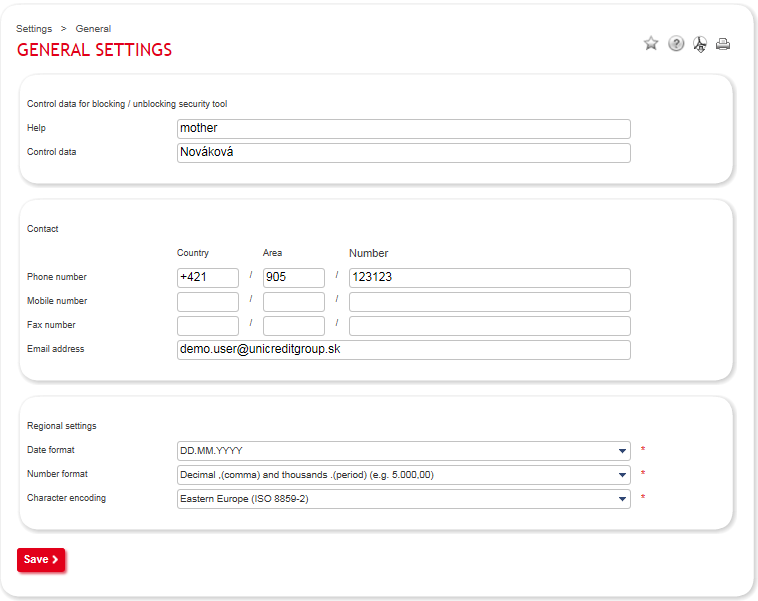
In case the User blocks his/her security tool (access) or asks for blocking of security tool (access) into the Internet Banking application, s/he uses these Control data when asking for unblocking via phone. At the same time, the Internet Banking User may select Help, which will be disclosed to the User by the Bank’s Call Center operator.
Users without filled out Control data for blocking /unblocking security tool, may ask any branch of UniCredit Bank Slovakia a. s. for unblocking / blocking of security tool (access).
The selected parameters may be confirmed by clicking the button Save. These parameters are immediately updated.



